
Save recipes from reels, links, photos and pasted text.
CookDrop is an iPhone app that saves recipes. Share a cooking reel, a web link, a photo of a cookbook page or pasted text, and it gives you back a clean recipe: ingredients, steps, servings and times.
For iPhone. No account or login. Your recipes are stored on your phone.
- TikTok
- YouTube
- Websites
- Photos
- Pasted text
How it works
Three steps from a reel to dinner
Share it
In Instagram, TikTok, YouTube, Safari or any app with a share button, tap Share and pick CookDrop. You can also paste a link or text, or take a photo of a recipe card.
CookDrop reads it
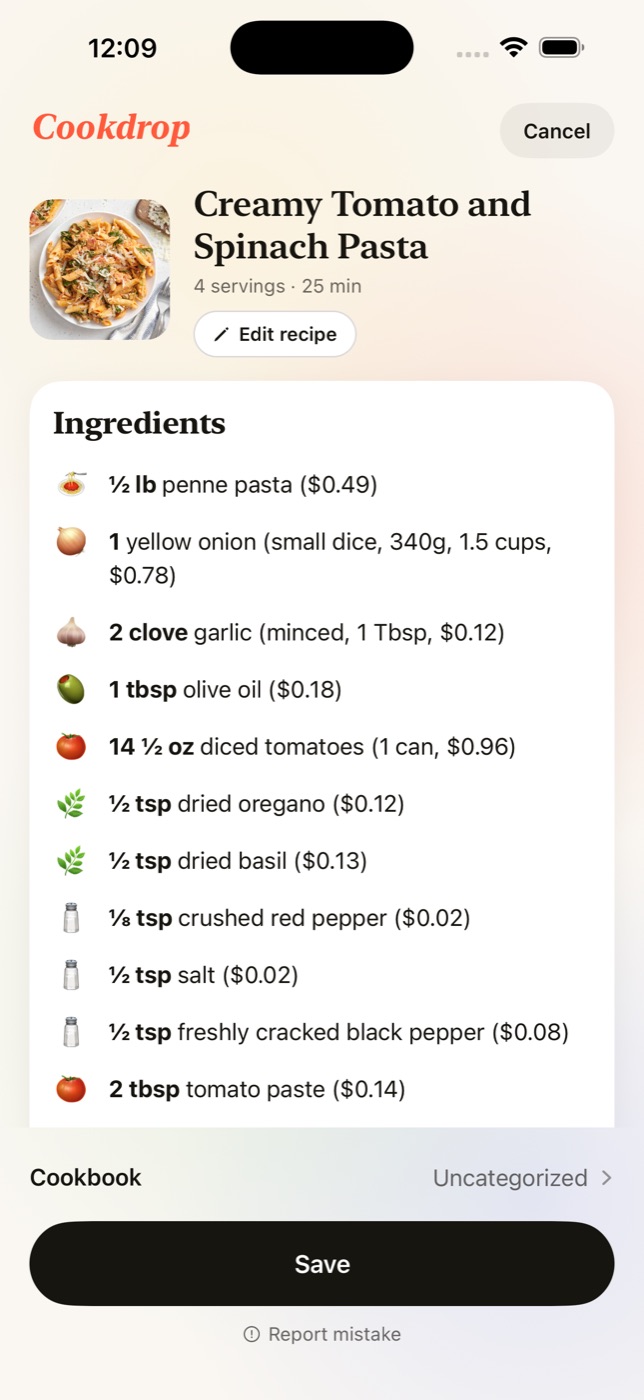
It reads the caption, the page or the photo and writes out the title, ingredients with quantities, numbered steps, servings and times. You check it, edit anything that is off, and save.
Cook
Open the recipe when you are ready. Change the servings, switch units, tick off ingredients, or go through it one step at a time in cook mode.
Features
What you get once a recipe is saved
A clean recipe from a messy source
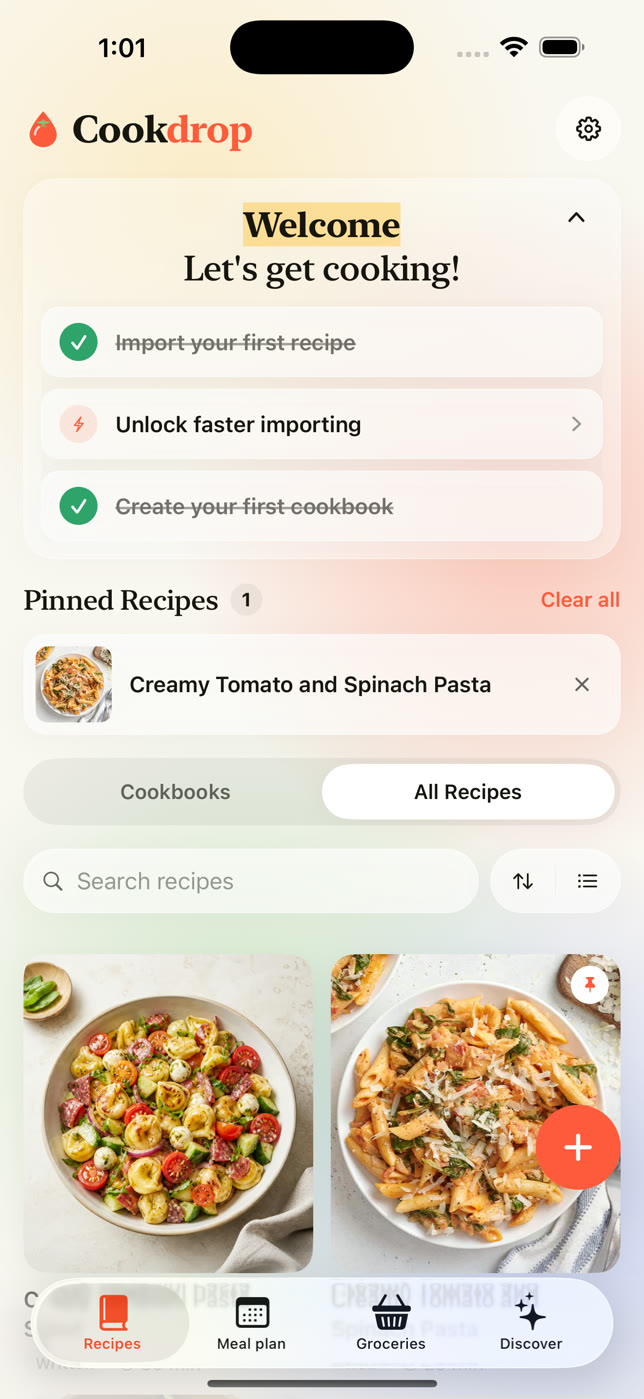
Recipe blogs bury the ingredients under a long story. Reels put them in a caption that scrolls away. CookDrop keeps the parts you cook from.
- Ingredients with quantities and units, grouped into sections when the recipe has them
- Numbered steps, with servings, prep time and cook time
- A link back to the original post or page
- A preview before anything is saved, with an edit button and a way to report a mistake
Servings scaling and unit conversion
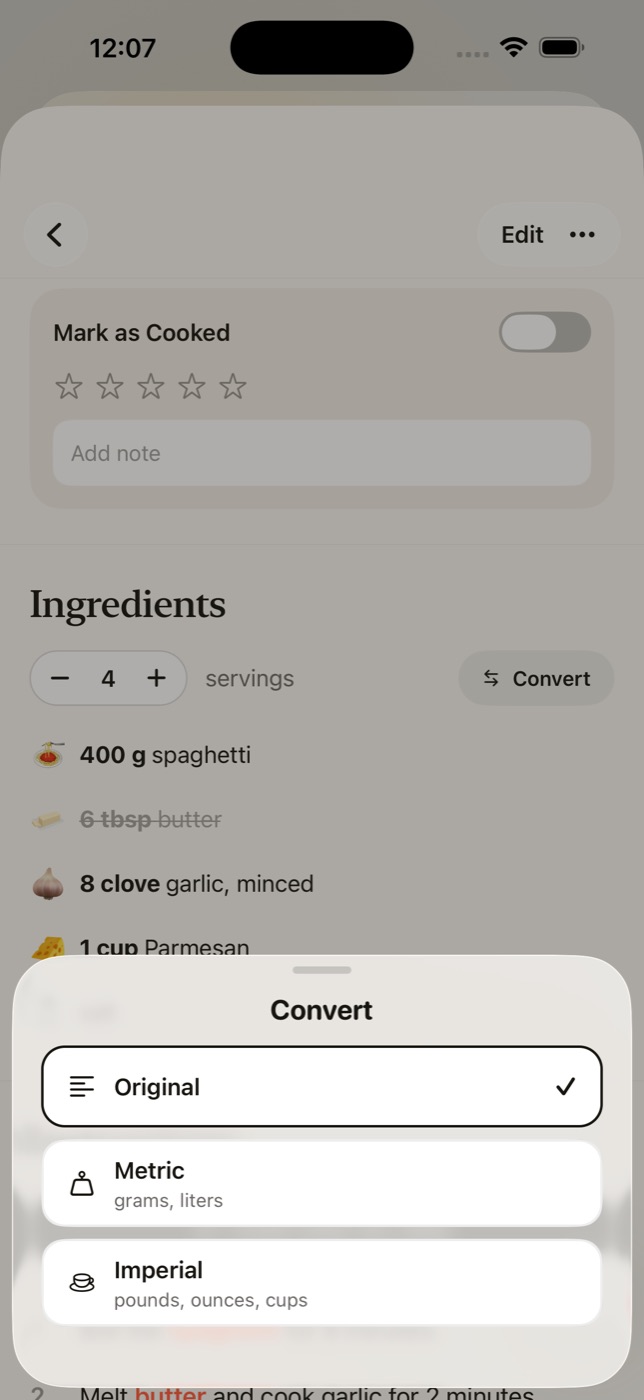
Cooking for four instead of two? Tap plus and every quantity is recalculated, with fractions written the way a cookbook writes them.
- Servings stepper on every recipe
- Convert between the original units, metric and imperial
- Tap an ingredient to cross it off as you go
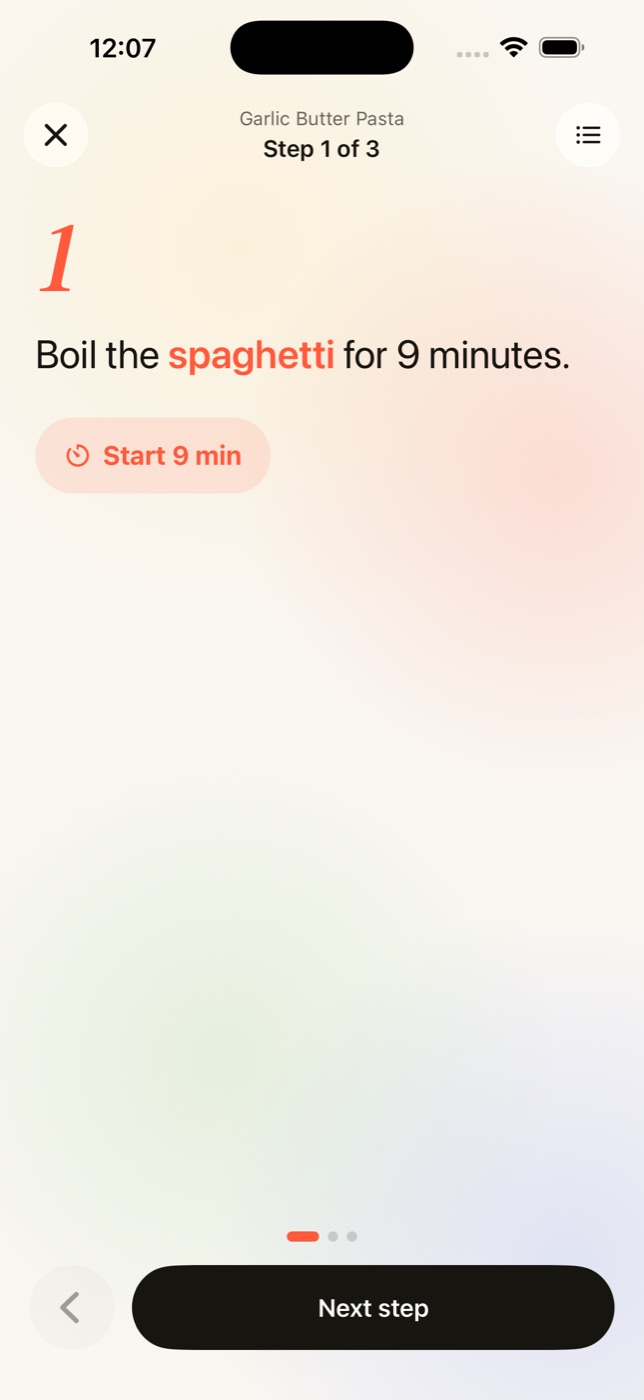
Cook mode
One step per screen in large type, so you can read it from across the counter.
- The screen stays awake while you cook
- Times in a step, like "9 minutes", become a timer you can start with one tap
- The ingredient list is one tap away from any step
Cookbooks
Sort saved recipes into cookbooks you name yourself, such as Weeknight Dinner or Baking. Anything you have not sorted sits in Uncategorized.
- Search, sort and switch between grid and list
- Pin the recipes you are cooking this week
- Mark a recipe as cooked, rate it and add a note for next time
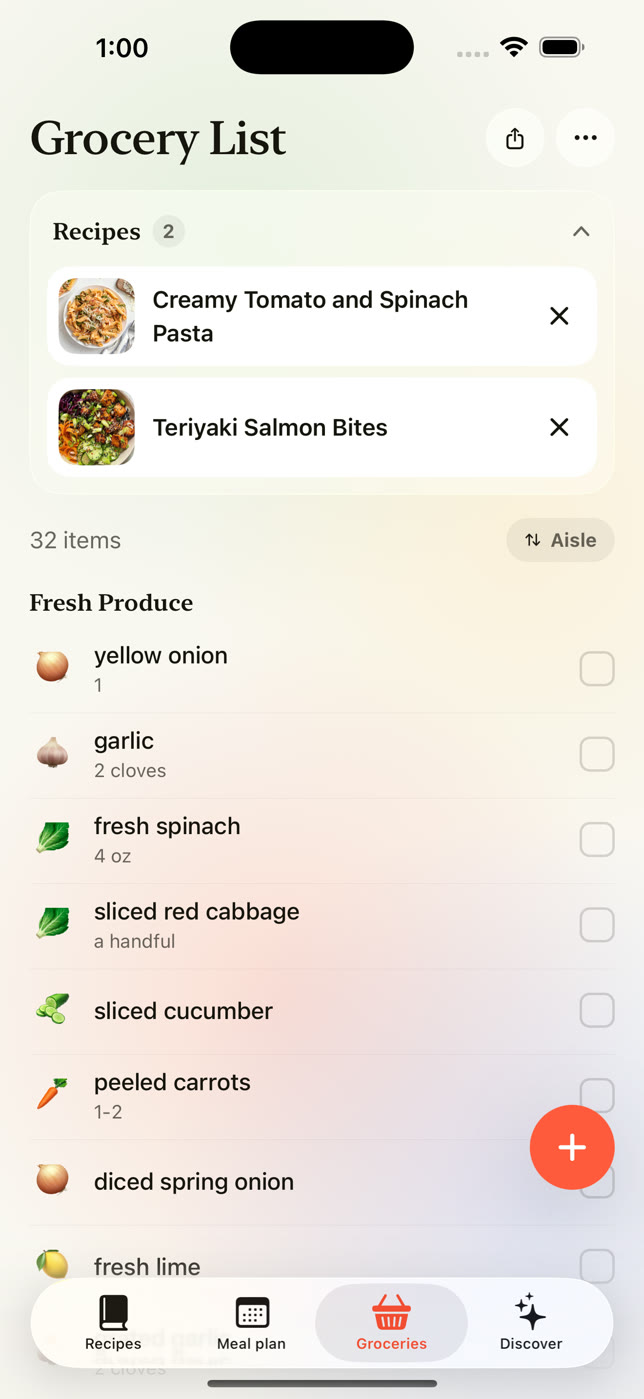
Grocery list
Add a recipe's ingredients to your grocery list in one tap, scaled to the servings you picked.
- Items are grouped by aisle: produce, dairy, pantry and so on
- Tap an item to check it off as you shop
- Type in anything else you need, and share the list as text
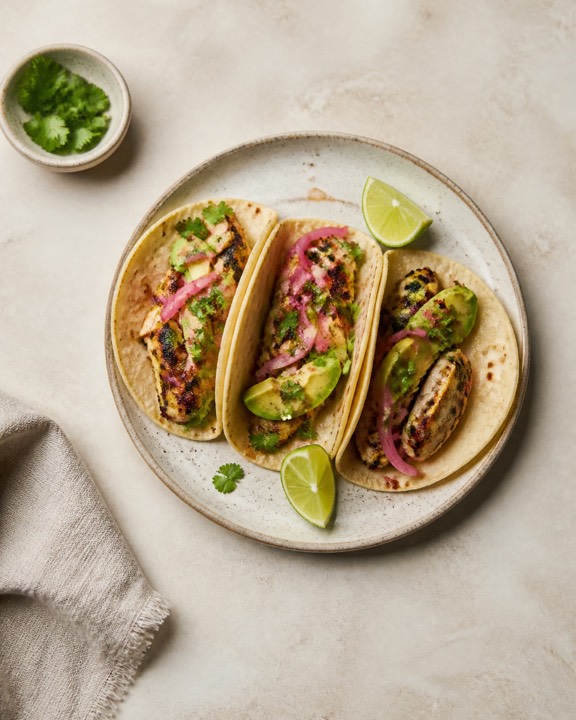
Meal plan
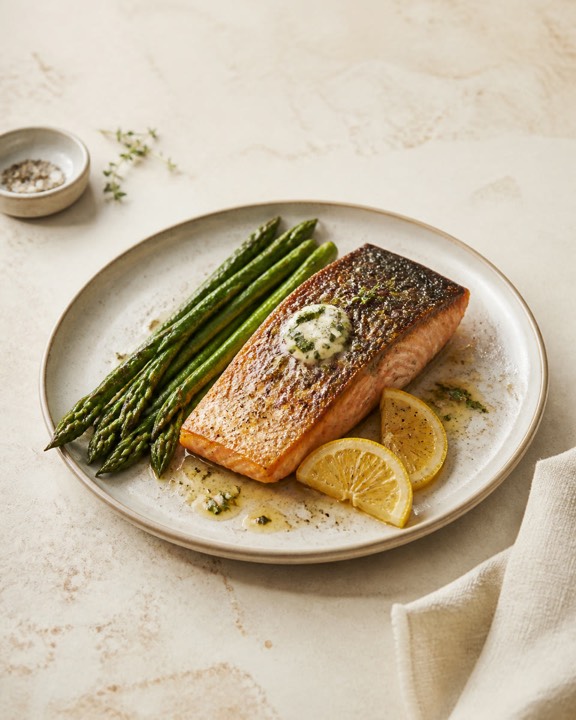
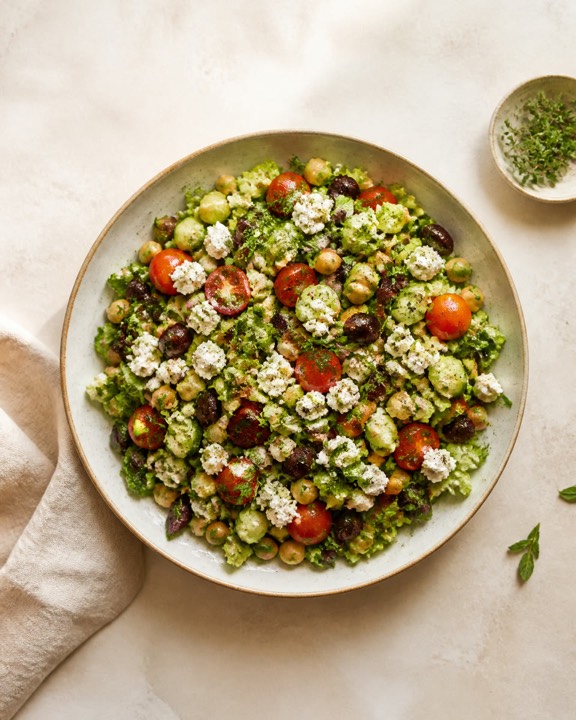
Put saved recipes on the days of the week, with slots for each meal. If you turn reminders on, CookDrop nudges you to plan at the time you chose.
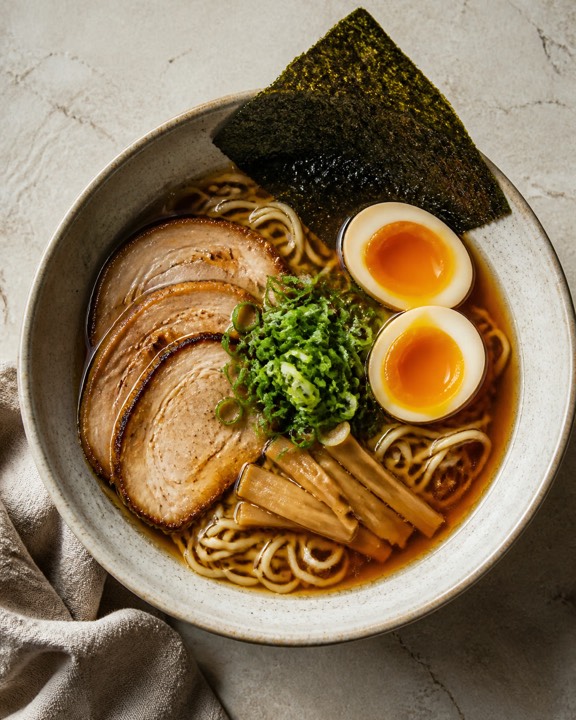
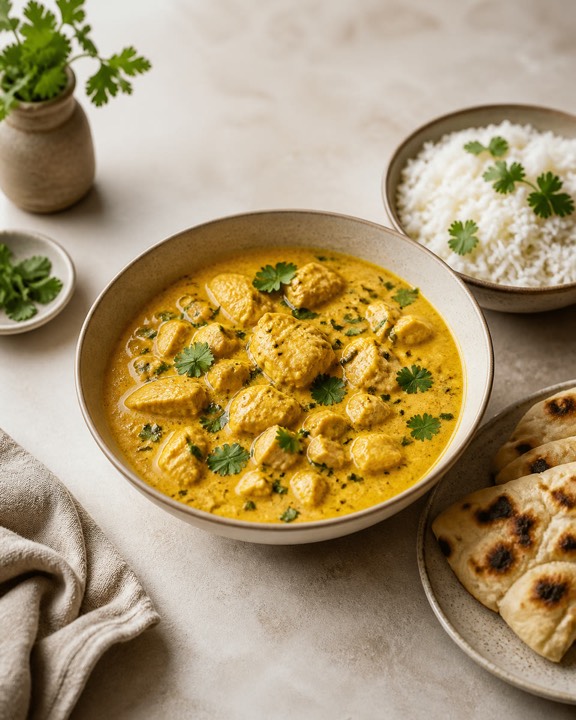
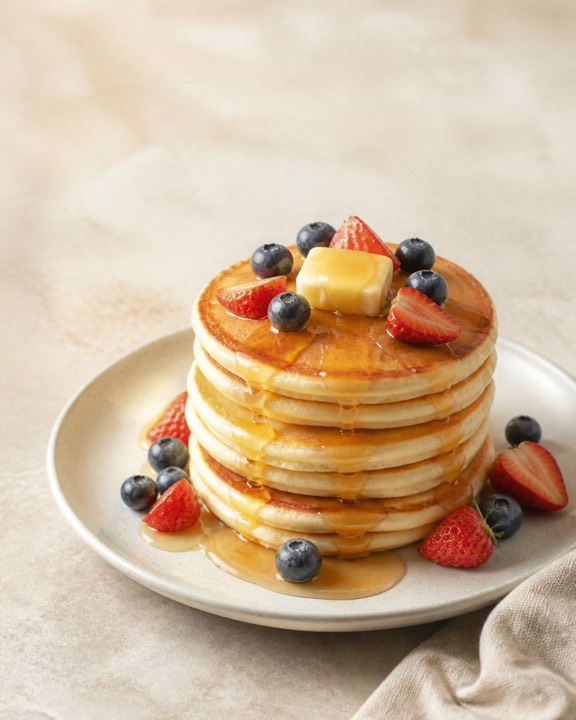
Discover
A small collection of original recipes written for CookDrop, with a recipe of the day and search by meal or diet.
Pricing
Free to use, with a paid plan for heavy use
Free
No time limit and no account.
- 5 imports a week
- Cookbooks, search and pinned recipes
- Servings scaling
- Meal plan and Discover
CookDrop Plus
Or $6.99 per month.
- Unlimited imports
- Cook mode
- Unit conversion
- Nutrition estimates per serving
- Ask CookDrop, an assistant for substitutions and timing
- Print and export to PDF
Prices are in US dollars and vary by country; the App Store shows the price in your currency before you buy. Plus is an auto-renewing subscription billed through Apple. Cancel anytime in your Apple account (Settings → your name → Subscriptions). If you cancel during the trial at least 24 hours before it ends, you are not charged. Details are in the Terms.
Get CookDrop for iPhone
It is free to download and needs no account. If you have a question, write to contact@learningphaselabs.com.